What do you need when you search for an fda approved peptide drugs list. A list, or a method you can trust six months from now?
For genuine approval checks, a single page is rarely enough. What matters is a repeatable process that answers the practical questions: Is the peptide approved by FDA at all. Is it approved only for a specific indication or formulation. Are you reading current labeling. Has someone confused an approved drug with a compounded product, an API, or a research-use peptide.
That distinction matters because peptide discussions often lump very different products together. Approved drugs such as insulin products, semaglutide, tirzepatide, and tesamorelin get mentioned alongside compounds with very different regulatory status. If you rely on a frozen blog list, you can miss label updates, newer approvals, discontinued presentations, and changes that affect how a product is marketed or dispensed.
A better approach is to build your own verified list from primary FDA databases, then use curated resources to fill in naming, sequence, and classification details. That gives you a working method instead of a snapshot. If you also need to pull approval details out of dense PDFs, this short guide on how to extract data from PDF files is a practical companion.
Table of Contents
- 1. Drugs@FDA
- 2. Orange Book
- 3. FDALabel
- 4. DailyMed
- 5. THPdb2
- 6. DrugBank
- 7. KEGG DRUG
- Comparison of 7 FDA-Approved Peptide Drug Resources
- From Data to Dosing Putting Your Research into Practice
1. Drugs@FDA
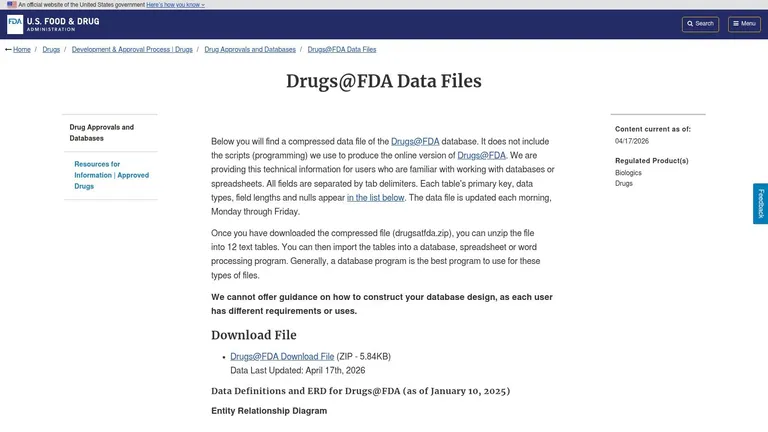
Want a peptide list you can defend six months from now, not just a screenshot that ages badly? Start with Drugs@FDA, because it is the FDA’s primary approvals database for human drugs and the best place to confirm whether a specific product is approved.
Search by active ingredient first. Marketing language creates noise fast. Terms like “FDA cleared,” “regulated,” or “available through a clinic” do not answer the approval question. Drugs@FDA does. It lets you check the application record, approval history, labeling, sponsor, and review documents tied to a real drug product.
Why I start here
A useful FDA approved peptide drugs list is not a static list copied from another article. It is a working list you can rebuild and verify. Drugs@FDA gives you that foundation because it answers the practical question that matters most: is there an FDA-approved drug product for this ingredient, in this form, from this applicant?
That distinction matters with peptides. Researchers, clinics, and compounders may use the same ingredient name in very different contexts. If I am checking a peptide for protocol design, label review, or sourcing discussions, I want the FDA record first. Everything else comes after that.
Older peptide approvals also show why database-first work is better than relying on summaries. Product names change. Sponsors change. Indications expand or narrow. Historical context is useful, but the current FDA record is what holds up when you need to verify an approval status today.
Practical rule: If you cannot match the peptide to a clear Drugs@FDA record, do not put it on your FDA-approved list.
What works and what slows you down
The main advantage is document quality. You are not relying on a tertiary database to interpret approval status for you. You can read the label, open the approval letter, and check whether the product has multiple dosage forms or separate applications under the same ingredient name.
The trade-off is speed. Drugs@FDA does not give you a simple “peptide only” filter, so you need a candidate list before the database becomes efficient. For one or two drugs, manual searching is fine. For a larger internal reference, download the data files and classify ingredients yourself.
A few habits save time:
- Start with the nonproprietary name: Ingredient searches are more reliable than clinic wording or abbreviated brand references.
- Open the product details, not just the search result: The result page can confirm a match, but the application page shows the approval trail and label history.
- Check whether you are looking at the right formulation: A peptide may exist in injection, oral, depot, or device-linked presentations, and those are not interchangeable for regulatory or dosing purposes.
- Use the label before you use a summary site: If your next step is handling storage, administration, or reconstitution questions for an approved product such as semaglutide, the official labeling should come first, then a practical guide like how to reconstitute semaglutide correctly.
Drugs@FDA is where you confirm approval. Once you have that confirmed record, the rest of your list becomes much easier to clean, compare, and maintain.
2. Orange Book
Which approved product are you looking at?
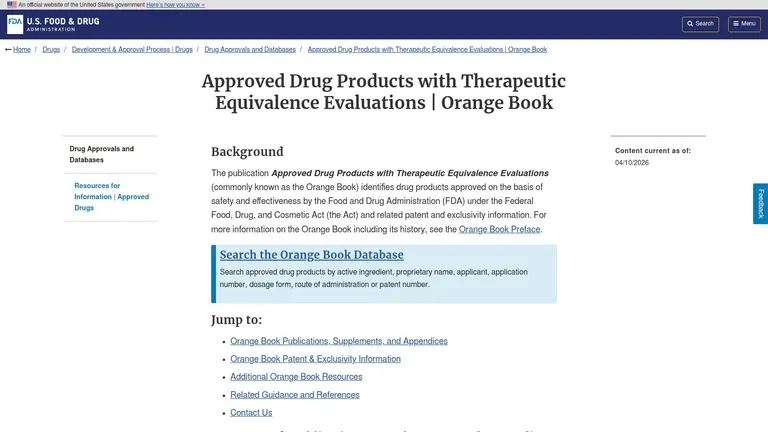
The Orange Book answers that question once you already have a likely peptide ingredient or brand name. I use it to pin down the exact approved drug product, including dosage form, strength, reference listed drug status, therapeutic equivalence coding, and any listed patent or exclusivity details. That level of detail matters when your working list needs to separate one approved presentation from another instead of collapsing everything under a single ingredient name.
This database is most useful after your first pass in Drugs@FDA. If someone says “semaglutide,” Orange Book helps you sort out whether they mean the injection, the oral product, or a specific listed presentation tied to a particular application and market context. For peptide drugs, that distinction affects sourcing, substitution questions, internal documentation, and any attempt to compare labels accurately.
How to use Orange Book for a peptide drug list
Start with the nonproprietary name or the exact brand. Then review the product entries line by line. Check the dosage form, route, strength, applicant, and whether the product is marked as a reference listed drug or has therapeutic equivalence information that matters for your use case.
For a practical workflow, I recommend using Orange Book to clean and verify a draft list, not to build the list from scratch. It does not label products as “peptides,” so your job here is product verification and market classification. If you are cross-checking administration details for an approved GLP-1 product, use the official listing alongside a practical guide on how to reconstitute semaglutide correctly, then return to the FDA label for final confirmation.
Where Orange Book helps, and where it does not
Orange Book is strong on approved product structure. It is weaker for broad discovery. You will not get a peptide-only filter, and you should not expect it to function like a pharmacology database.
That trade-off is useful once you accept what the tool is built to do.
Use Orange Book to answer questions like these:
- Which approved dosage forms exist under this ingredient?
- Which product is the reference listed drug?
- Are there listed patents or exclusivities that affect the current market picture?
- Do multiple strengths or routes exist that need separate entries in your internal list?
A common error is treating every mention of a peptide ingredient as a single approved entity. Orange Book shows why that shortcut creates sloppy records. Approved peptide drugs often appear in multiple forms, and those forms are not interchangeable for regulatory review, dispensing logic, or dosing discussions.
If your goal is to maintain an FDA approved peptide drugs list that stays current, Orange Book works best as a verification layer. It helps you turn a rough candidate list into a cleaner, product-level record you can use.
3. FDALabel
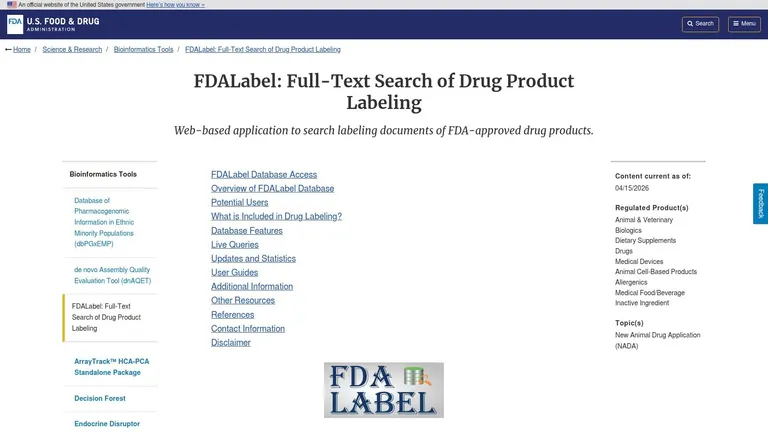
What do you do when you have part of the story, but not the product name? FDALabel is one of the fastest FDA tools for that job.
I use it when the search starts with a mechanism, receptor class, disease context, or a fragment from a package insert. If someone gives you “GLP-1 agonist,” “ACTH analog,” “GHRH,” or a clinical use case instead of a brand name, FDALabel can get you to the actual approved labeling faster than browsing approval records one product at a time.
That makes it useful for building your own FDA approved peptide drugs list instead of copying a static list that goes stale. A full-text search helps you identify candidates, then confirm whether the label supports the indication, route, and formulation you plan to record.
Best use case
FDALabel works well when your starting point is incomplete or messy. A clinician may mention tesamorelin by use case, someone in a purchasing workflow may remember only part of a generic name, or a researcher may know the peptide family but not the marketed product.
In those situations, search the term, open the label, and go straight to the sections that answer regulatory questions: Indications and Usage, Dosage and Administration, Contraindications, and Description. That sequence usually tells you whether you found an approved drug, a narrow indication, or a lookalike term that people often confuse with an approved product.
This matters with peptides because the market is full of near-matches. Some names circulate heavily online without corresponding FDA-approved drug labeling. FDALabel helps separate approved products from compounds that are discussed in clinics, forums, or gray-market listings without the same regulatory status.
How to search without wasting time
Broad searches create clutter. Specific searches produce workable results.
- Start with the generic name if you have it: “semaglutide” will outperform vague phrases like “weight loss peptide.”
- Use mechanism terms selectively: “GLP-1” or “ACTH” can work well. “Peptide” is usually too broad to be useful.
- Search clinical phrasing when the name is unclear: disease terms, receptor terms, or a known indication can help surface the right label.
- Read the label sections, not just the search hit: the hit gets you in the door, but the approval scope is defined in the labeling text.
- Check formulation details before adding an entry to your list: route, strength, and dosage form often determine whether two records should stay separate.
If you are reviewing preparation workflows after identifying an approved injectable product, compare the label against these peptide reconstitution guidelines so your internal notes match the labeled product rather than informal shorthand.
FDALabel does not replace Drugs@FDA or Orange Book. It serves a different role. Use it to find and verify label-level evidence, then carry confirmed products into your working peptide drug list.
4. DailyMed
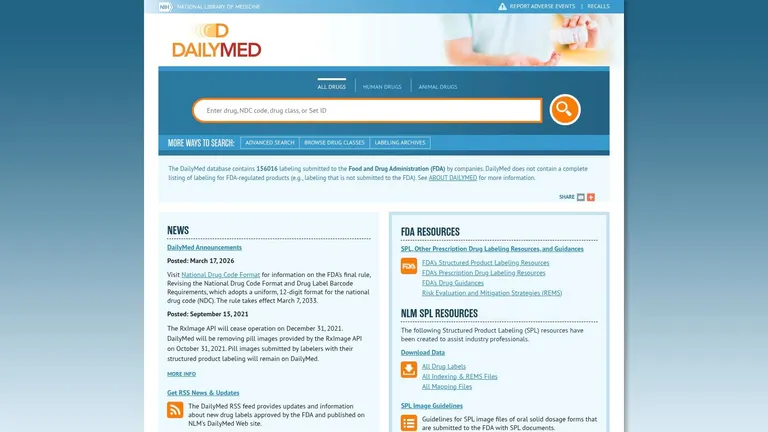
DailyMed is what I use when I want cleaner label navigation and structured identifiers. The FDA may hold the canonical approval record, but DailyMed is often easier for practical cross-checking because it organizes package insert information in a way that’s easier to scan.
If you need routes, dosage forms, NDCs, RxNorm links, or SPL version history, DailyMed is usually the smoother read. That matters when you’re reconciling what a clinic, pharmacy, or wholesaler says with what’s in current labeling.
Where DailyMed is better than FDA pages
DailyMed is better for operational detail. When you’re confirming a formulation or building a clean internal reference, the structured fields save time. For anyone organizing peptide preparation workflows, PepFlow’s peptide reconstitution guidelines pair well with DailyMed because they force you to compare your vial math against the actual product and route information rather than forum shorthand.
This is also the point where many users confuse approved labels with compounded versions. DailyMed helps because approved package inserts are explicit. If the language isn’t there, don’t assume a clinic-created dosing convention has FDA backing.
Approved labeling tells you what the FDA-approved product says. It doesn’t validate every off-label protocol circulating online.
What it won’t settle for you
DailyMed won’t decide legal status for compounded research peptides. It also won’t produce a prebuilt peptide-only list. It’s a label repository, not a peptide registry.
The practical use is simple. Pull the label, verify the ingredient, dosage form, route, and indication, then cross-reference back to Drugs@FDA if the regulatory history matters.
5. THPdb2
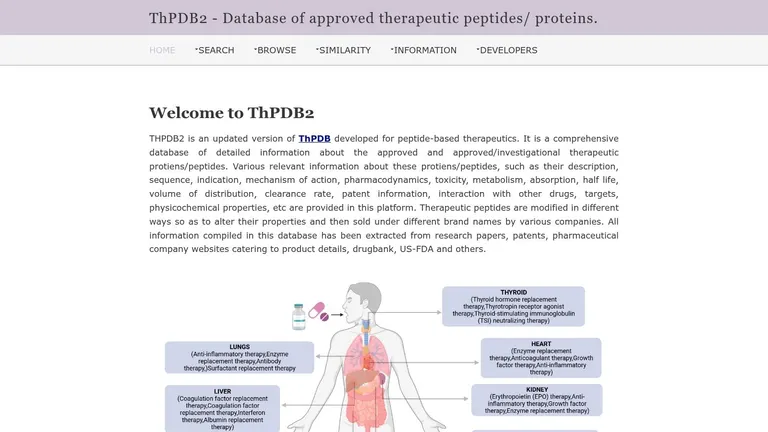
Need a peptide-focused starting point before you sort through FDA records one product at a time? THPdb2 is useful for that first pass because it narrows the field to therapeutic peptides and proteins instead of making you search broad regulatory databases blind.
The value here is speed. THPdb2 was built as a curated therapeutic peptide and protein resource, with entries tied to indications, sequences, functions, and cross-references described in the THPdb publication. If your goal is to assemble a working candidate list, that structure saves time.
How to use THPdb2 without overtrusting it
Start with names and categories, not approval conclusions. THPdb2 can help you spot likely peptide candidates, separate them from obvious protein products, and collect synonyms before you move into FDA verification. That matters because the peptide category itself gets blurred in casual use. A quick review of what peptides are and how they differ from related biologic products makes the filtering logic much cleaner.
I use THPdb2 as a front-end screening tool. Search by therapeutic name or indication, export the candidates you care about, then verify each one in Drugs@FDA or the Orange Book. That sequence prevents a common mistake, treating an academic database entry as proof of current FDA approval.
Where THPdb2 helps most
THPdb2 is strongest when you need to build a candidate pool fast.
- Find likely peptide drugs by therapeutic area: useful if you’re compiling products for endocrinology, oncology, infectious disease, or diagnostics.
- Collect alternate names and related records: helpful before you search FDA systems that may index a product under a different naming convention.
- Screen out bad candidates early: some entries will fit your peptide definition, some will fall closer to proteins or other biologic classes.
The trade-off
Curated academic databases age faster than FDA primary sources. That is the practical limitation.
THPdb2 helps you get a cleaner starting list, but your final FDA approved peptide drugs list still needs product-by-product confirmation in official databases. It is best used to reduce search noise, not to settle regulatory status.
6. DrugBank
What do you do when the same drug shows up under a generic name, a brand name, a target-based description, and a shorthand label from a secondary source? I use DrugBank to clean up the identity problem before I check FDA status.
That is where DrugBank earns its place in a peptide workflow. It is useful for cross-referencing names, mechanisms, targets, and linked identifiers so you can tell whether two records point to the same product or to different products in the same therapeutic class. For peptide work, that matters because search noise often comes from category confusion. Peptides, proteins, oligonucleotides, and conjugates get grouped together in casual discussion, even when the regulatory treatment is different. If you need a quick category reset first, this plain-language explanation of what peptides are helps clarify the boundary.
How to use DrugBank productively
I do not use DrugBank to make the final approval call. I use it to tighten the search before going back to FDA systems.
A practical sequence looks like this:
- Search the candidate drug name in DrugBank.
- Collect synonyms, brand names, and linked identifiers.
- Review the drug type and mechanism summary to see whether the record fits your peptide definition.
- Use those names to verify approval status in Drugs@FDA, Orange Book, FDALabel, or DailyMed.
This saves time when a product is indexed differently across databases. It also cuts down on false matches, especially for compounds with similar stems or products that sit near the peptide category without clearly belonging in it.
The trade-off
DrugBank is strong for identity resolution and crosswalk work. It is weaker as a final regulatory source.
The practical limitation is access. Some export and API features require a subscription, which can slow bulk list building if you are working without institutional access. Even with full access, I still treat DrugBank as a support tool. Use it to reduce naming errors and classify candidates more carefully. Then confirm every entry in primary FDA sources before you add it to an FDA approved peptide drugs list.
7. KEGG DRUG
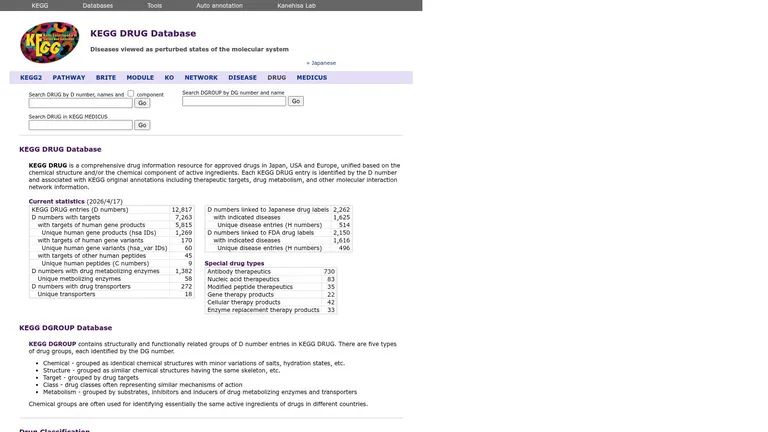
KEGG DRUG is the tool I use when I need quick peptide triage plus biological context. It isn’t where I confirm an FDA approval, but it is where I often spot whether a drug is categorized as a peptide and how it fits into pathways or target systems.
That sounds academic, but it’s practical. A lot of search confusion comes from people mixing structure class, therapeutic class, and legal status. KEGG helps separate those.
Useful for triage
KEGG’s peptide annotations can speed up the early pass, especially when you’re sorting larger sets of candidate drugs. It’s also helpful for cyclic peptides, which are a meaningful class of compounds. As of June 2024, 66 cyclic peptide drugs are FDA-approved globally, with 39 approved after 2000, and examples from 2023 include rezafungin, motixafortide, and zilucoplan (cyclic peptide drug review).
That kind of context is useful because it reminds you the approved peptide universe extends well beyond the most marketed wellness compounds.
The limitation
KEGG is a cross-reference system, not a regulator. It can point you toward the right entries and help classify what you’re seeing, but it doesn’t replace FDA confirmation.
This matters even more in the compounding gray zone. A lot of heavily marketed peptides have been discussed as if availability through compounding or anticipated reclassification were equivalent to FDA approval. They aren’t. Some sources describe confusion around the status of 19 peptides moved by the FDA into Category 2 in late 2023, with later discussion of roughly 14 potentially being reclassified, but that kind of compounding eligibility discussion is separate from full drug approval and should be handled as a different question entirely (regulatory overview of peptide compounding confusion).
Comparison of 7 FDA-Approved Peptide Drug Resources
| Resource | 🔄 Implementation complexity | ⚡ Resource requirements | 📊 Expected outcomes | 💡 Ideal use cases | ⭐ Key advantages |
|---|---|---|---|---|---|
| Drugs@FDA (FDA’s master approvals database) | Moderate–High, utilitarian UI; bulk data needs parsing | Low for browsing; moderate–high for bulk processing (scripts, storage) | Definitive approval status, full approval letters, reviews, exact dates/forms | Regulatory verification, audits, authoritative approval timelines | ⭐⭐⭐⭐⭐ Regulator‑maintained primary documents and definitive approval records |
| Orange Book (Approved Drug Products with Therapeutic Equivalence Evaluations) | Low, simple lookup UI; downloadable monthly files for analysis | Low to moderate, data files available for auditing workflows | Therapeutic equivalence, patents, exclusivity, RLD/generic status | Checking RLD/generic landscape and patent/exclusivity context | ⭐⭐⭐⭐ Fast lookups with structured patent/exclusivity fields for market context |
| FDALabel (FDA full‑text labeling search) | Low, powerful full‑text search; requires keyword strategy | Low, web search; advanced queries benefit from search planning | Current labeling (indications, dosing, safety); efficient keyword discovery | Finding peptides by label keywords; retrieving latest safety/dosing text | ⭐⭐⭐⭐ Highly efficient full‑text label search reflecting latest safety updates |
| DailyMed (NIH/NLM labeling repository linked to FDA) | Low, user‑friendly search and SPL history | Low, daily updates and interoperable identifiers (NDC, RxNorm) | Up‑to‑date package inserts, SPL version history, structured label fields | Cross‑referencing NDC/RxNorm, building clean label datasets | ⭐⭐⭐⭐ Reliable label currency and strong identifier interoperability |
| THPdb2 (Database of FDA‑approved therapeutic peptides and proteins) | Low, curated academic interface focused on peptides | Low, web access; curation reduces filtering effort | Curated peptide/protein lists, taxonomy, indications, citations | Rapidly assembling candidate peptide names before FDA cross‑check | ⭐⭐⭐⭐ Purpose‑built peptide taxonomy and curated lists for rapid triage |
| DrugBank (drug knowledgebase with peptide/biotech filters) | Moderate, rich dataset; filters and API (paid tiers) | Moderate–High for programmatic use (paid API/export); low for browsing | Consolidated annotations: mechanisms, sequences, regulatory links | Mapping peptides to targets/pathways and integrating annotations | ⭐⭐⭐⭐ Rich consolidated annotations and cross‑links; export/API for integration |
| KEGG DRUG (with FDA/DailyMed linkages and peptide classification) | Low–Moderate, curated resource with type tagging and links | Low, web access; pathway assets useful for context | Peptide type flags, pathway/target maps, links to labels | Quickly flagging peptide entries and exploring mechanistic context | ⭐⭐⭐ Peptide tagging + biological pathway integration to speed triage |
From Data to Dosing Putting Your Research into Practice
How do you get from a peptide name in a database to a record you can trust for research or protocol planning? Use a repeatable verification workflow and document each decision.
A reliable FDA approved peptide drugs list is built, not copied. Pull candidate names from a peptide-focused resource such as THPdb2, then confirm the product in Drugs@FDA. Use the Orange Book if listed products or therapeutic equivalence matter for your question. Read the current prescribing information in FDALabel or DailyMed before you save anything as final.
That process prevents a common classification mistake. Peptide discussions often mix approved drugs, products approved only for specific indications, compounded preparations, and research compounds in the same conversation. Those categories are not interchangeable. If your list does not separate them, it stops being useful.
The practical check comes next. Approval alone does not answer the questions that matter in real use. You still need the exact product, route, dosage form, strength, and labeled indication. A peptide may be FDA approved for one setting and unsupported for another. Another may appear often in compounding circles without approval as a marketed drug.
Dosing creates a second layer of risk. Even when the label is clear, the work does not end with copying a number. You may still need to convert strength into concentration, set timing rules, define repeat intervals, and document administration steps in a format that can be followed consistently. Errors usually happen during that translation step, not during the first database search.
That is where workflow tools become useful. They do not verify approval status, and they should not replace label review. They can help you apply information you have already checked. For the broader safety side of ongoing medication monitoring, the overview of pharmacovigilance is a useful reference.
Keep the standard simple. Build your own list from FDA sources and curated peptide references. Save the approval evidence you relied on. Separate regulatory status from market availability, online discussion, and compounding claims. Then read the current label before using any dosing or administration detail.
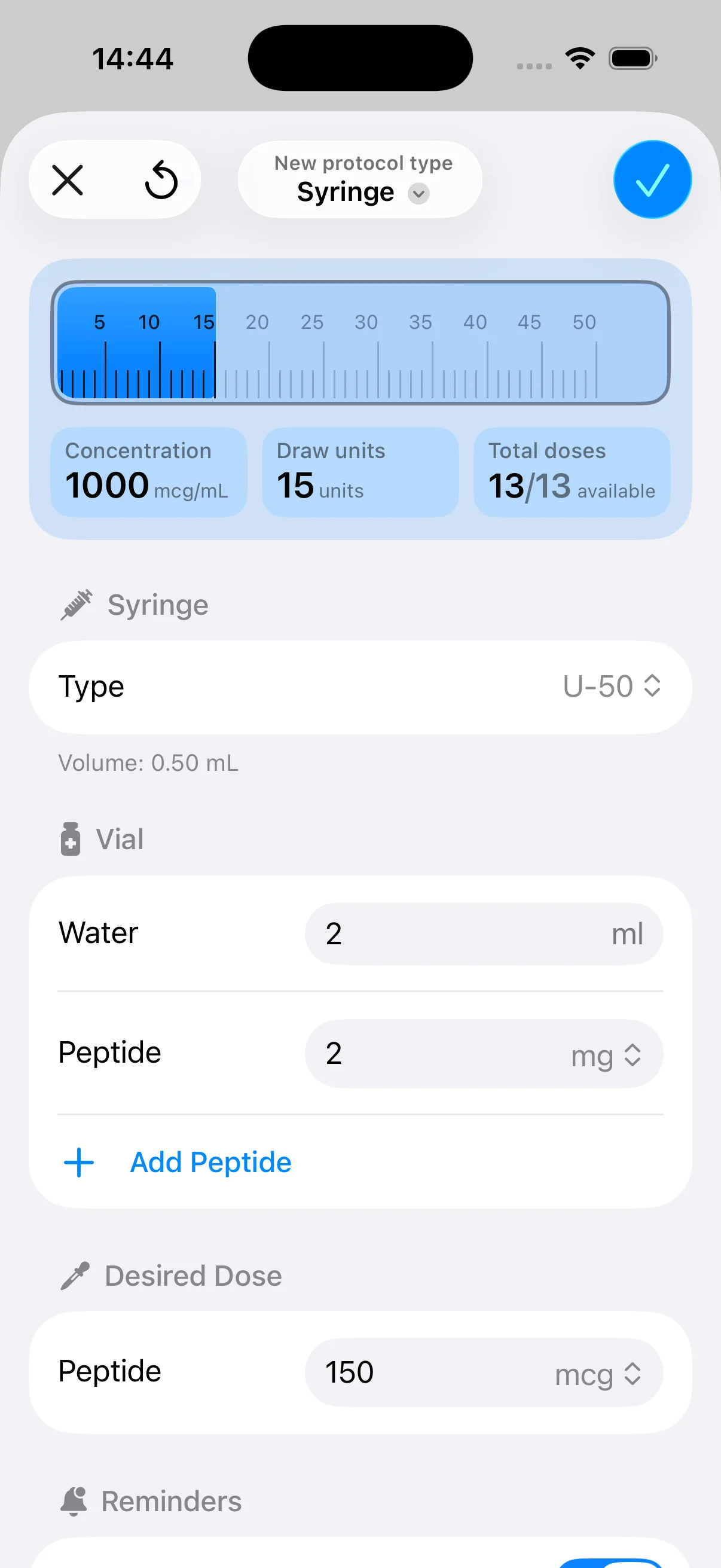
If you already know which peptide product you are working with and need a clean way to organize dose calculations, vial setup, protocol timing, reminders, and tracking, PepFlow can support that execution step after your regulatory verification is complete.